
YOUR GUIDE TO THE 24/7 SALES PAGE TEMPLATE!
🚨Please Bookmark this page or save this link!🚨
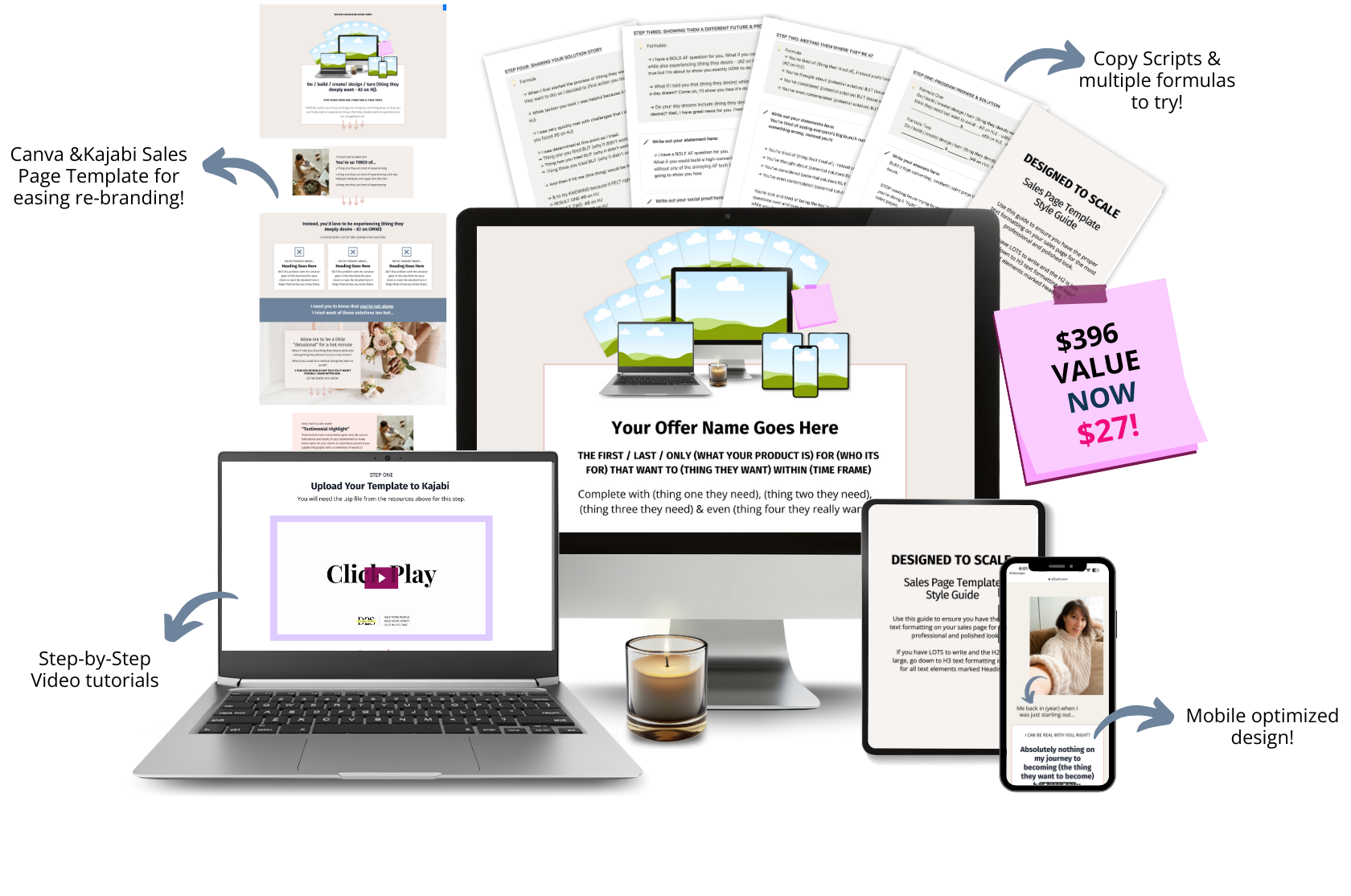
This page contains EVERYTHING you need to build your new sales page in a few hours!
We've broken down the process of downloading and using your sales page into 7 simple steps. Each step has its own video, which you can find below.
But first, let's get you your resources.

Now that you have your resources, let's build your sales page!
STEP ONE
Writing Your Offer Messaging
You will be leaning heavily on our Sales Page Bot through this process.

STEP TWO
Upload Your Template to Kajabi
You will need the .zip file from the resources above for this step.
STEP THREE
Update the Colours & Small Graphics
You will need the Canva Sales Page Template above for this step.
STEP FOUR
Updating the Copy & Formatting
You will need the Offer Messaging Worksheet from the resources section above and the Style Guide to complete this video.
STEP FIVE
Designing & Uploading Your Mockup Graphics
You will need the Canva Mockup Graphic Templates above to complete this section. There are additional tutorial videos linked below this page should you need additional support.
How to update laptop-style mockup elements 👉 CLICK HERE
How to update PDF or page mockup elements 👉 CLICK HERE
How to update phone mockup elements 👉 CLICK HERE
STEP SIX
Updating the URL, Page title & SEO Information
You will need your Kajabi account open to follow this training.
STEP SEVEN
Updating Your Sales Page Buttons
You will need your Kajabi account open to follow this training & your Kajabi checkouts created to connect your sales page.

BONUSES
Now that your page is built it's time to share it!
To support you in getting as many people onto your sales page as possible we've included our Money Making Headline prompts that you can use to create content on social media, for your emails or even youtube & podcast episodes!